- Cross-device note sync
- Local-first storage
- AI / Agent friendly
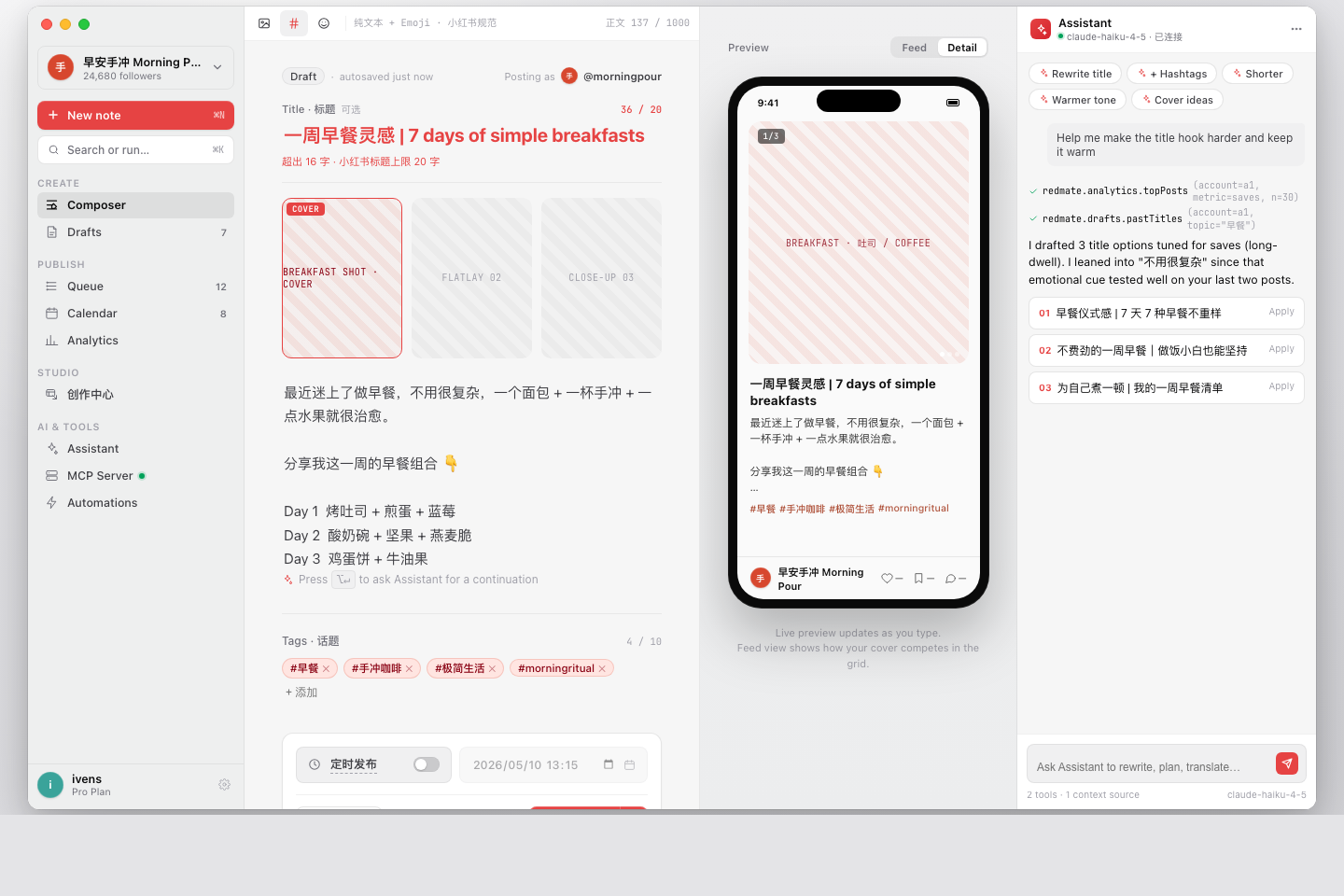
From ideas and assets to multi-channel publishing, all in one cross-device workspace. Capture on iPhone, polish on Mac, and let Claude or Cursor draft and queue your posts.
Built for people who work like this
- Solo creators
- Indie developers
- MCN operators
- Brand communities
- Agencies
- Account matrices
Every account's notes and publishing in one desktop workspace
Each account runs its own session with locally encrypted cookies. Switch, draft, and queue from one window.
Learn about the account workflow →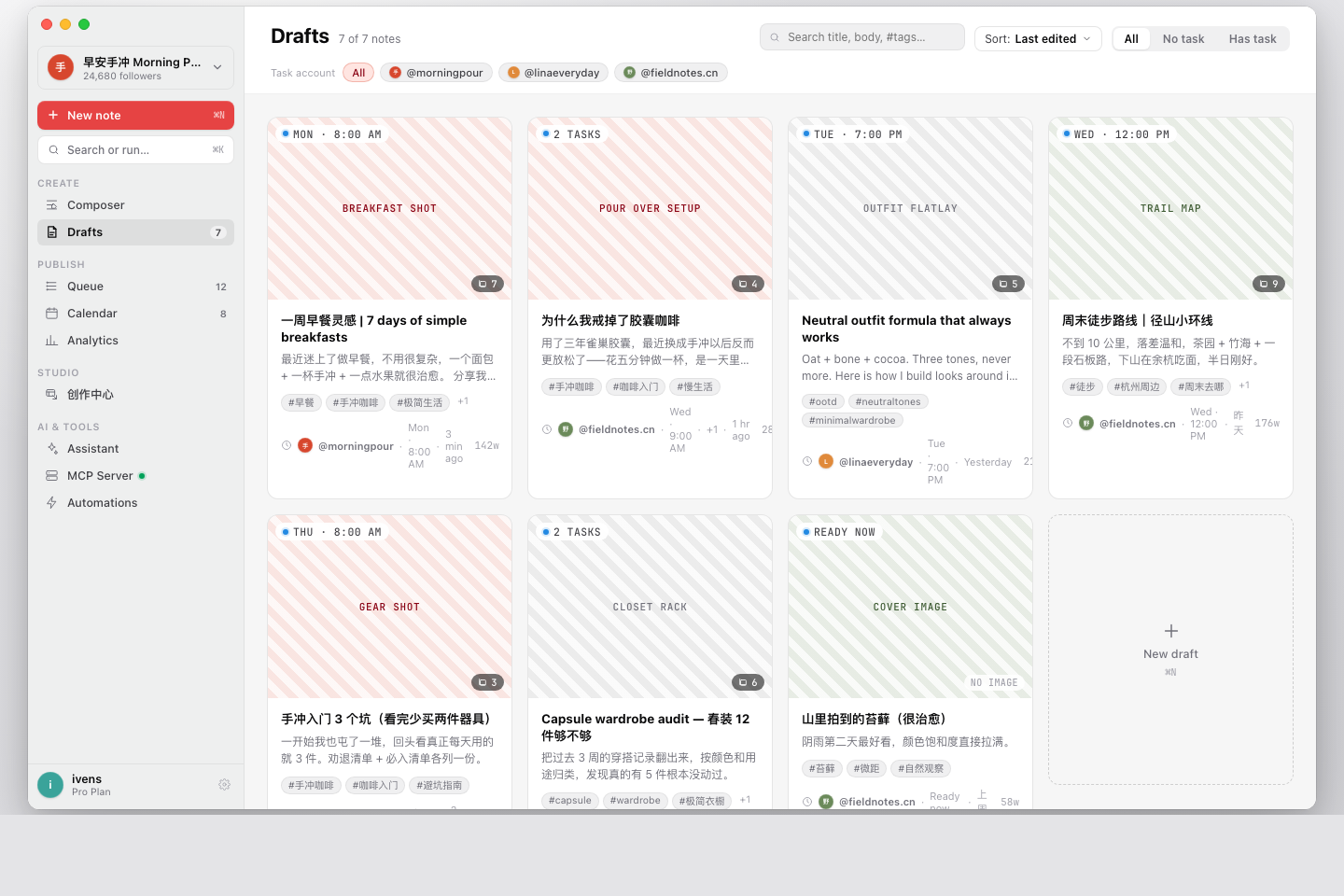
Schedule once, then let your Mac publish in the background
Schedule, post, and retry run quietly in the background. Statuses flow back to the queue while you keep writing.
See publish notes →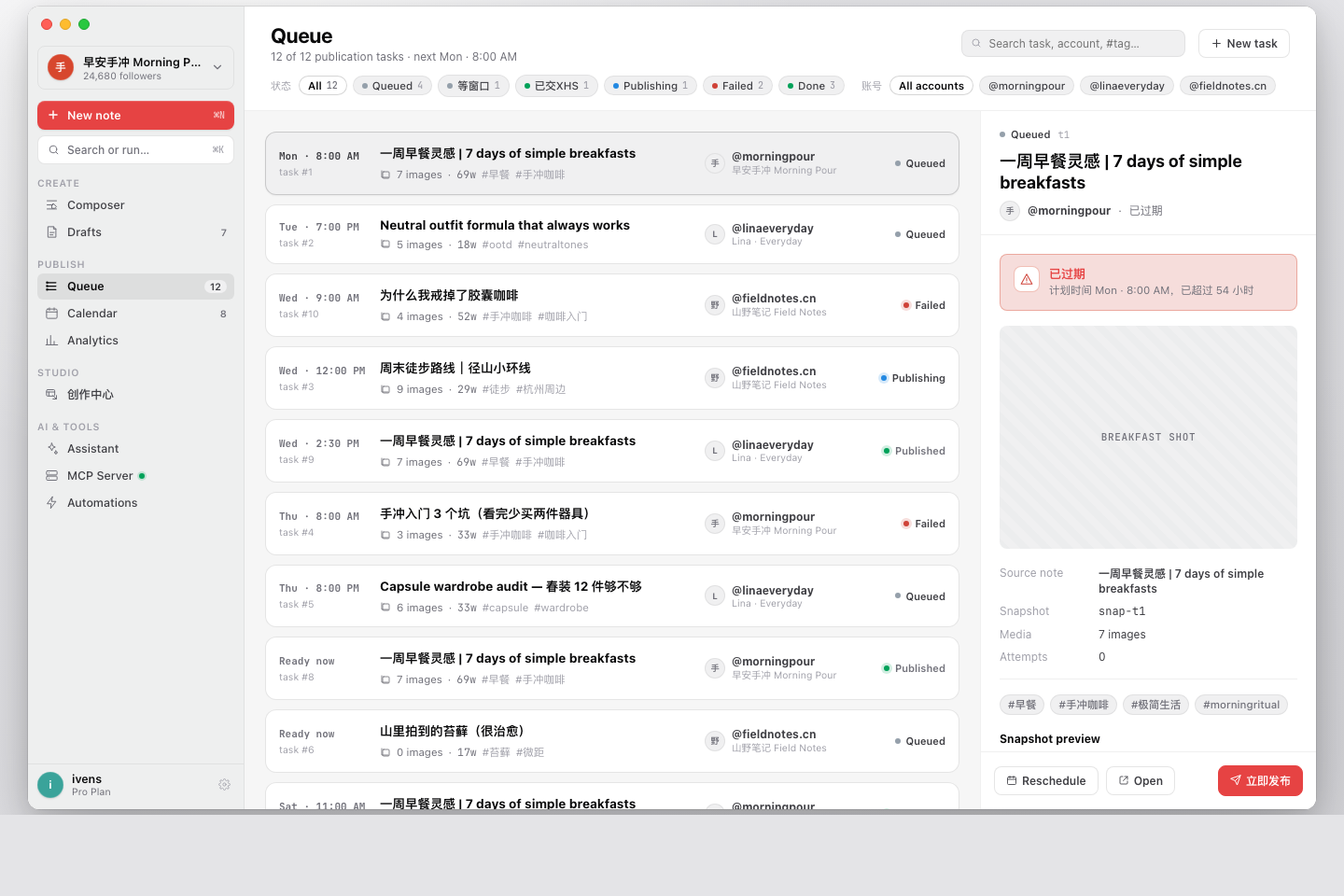
Let Claude and Cursor drive your publishing pipeline
Ask Claude in plain English — AI reads your drafts, writes titles, and queues posts. Every action still runs on your Mac.
Request beta access →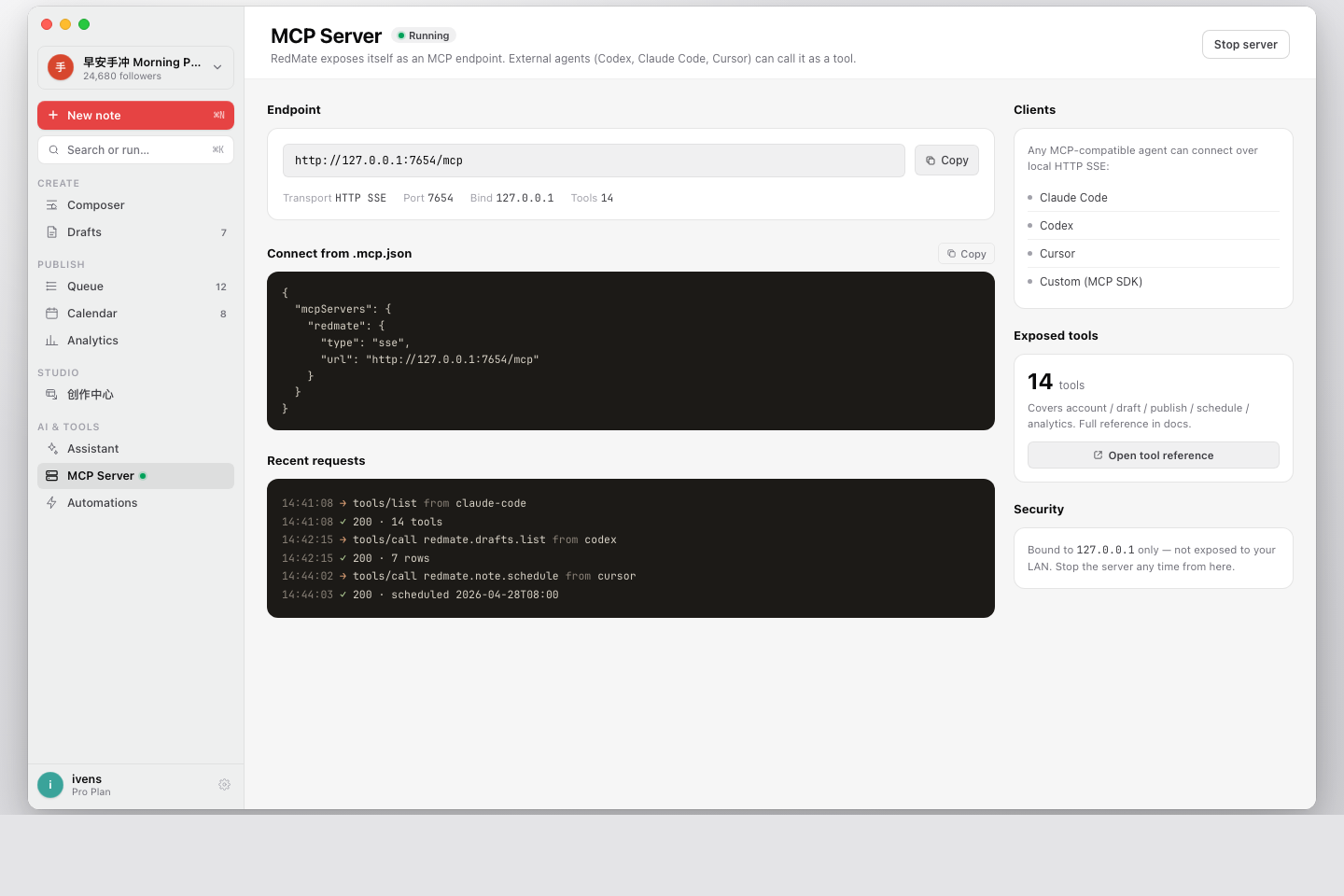
Cover Maker: ship a cover for every note in minutes
Built-in poster templates with multi-ratio canvases, manual line breaks, solid and gradient backgrounds, platform badges, and auto-fetched app icons. Indie developers can turn a product screenshot into a publish-ready note cover in one pass.
See template gallery →Turn cross-platform publishing into a new way to create.
“I used to open three browsers to publish across accounts. Now every account lives in one Mac workspace, and once the queue is set I can keep writing the next note.”
“What teams fear most is missing a publish slot. RedMate keeps drafts, accounts, schedules, and execution status in the same desktop app — no more spreadsheets to babysit.”
“After hooking up Cursor I can have AI organize drafts, generate titles, and write tomorrow's queue. The actual account actions still happen on my machine — the trust boundary is clear.”
“Brand accounts need stability, not novelty. Isolated sessions, local encryption, background execution — those details made us comfortable moving daily publishing off the browser.”
“I don't need yet another writing tool — I need an execution layer that delivers finished posts to the right account at the right time. RedMate fills exactly that gap.”
“Client accounts can't mix and cookies can't leak. Each account runs isolated, while drafts and projects sync through the cloud so the team can collaborate.”
“Marketing is the biggest bottleneck for indie products — no one writes content for you. I use RedMate to batch-generate product covers, draft launch copy, and queue them across a few accounts, so I can get back to writing code.”
Start publishing with RedMate.
Free beta · Full features · Notes sync to cloud, accounts never leave your Mac
FAQ